If you’re new to LM Studio, I’ve written an Introduction to LM Studio — that post covers the UI, downloading models, chat, parameters, and using it as a server. I gave a talk about this, and someone suggested I look into Docker Desktop — apparently, Docker Model Runner does the same thing.
I created this post so that I could investigate and see how they compare.
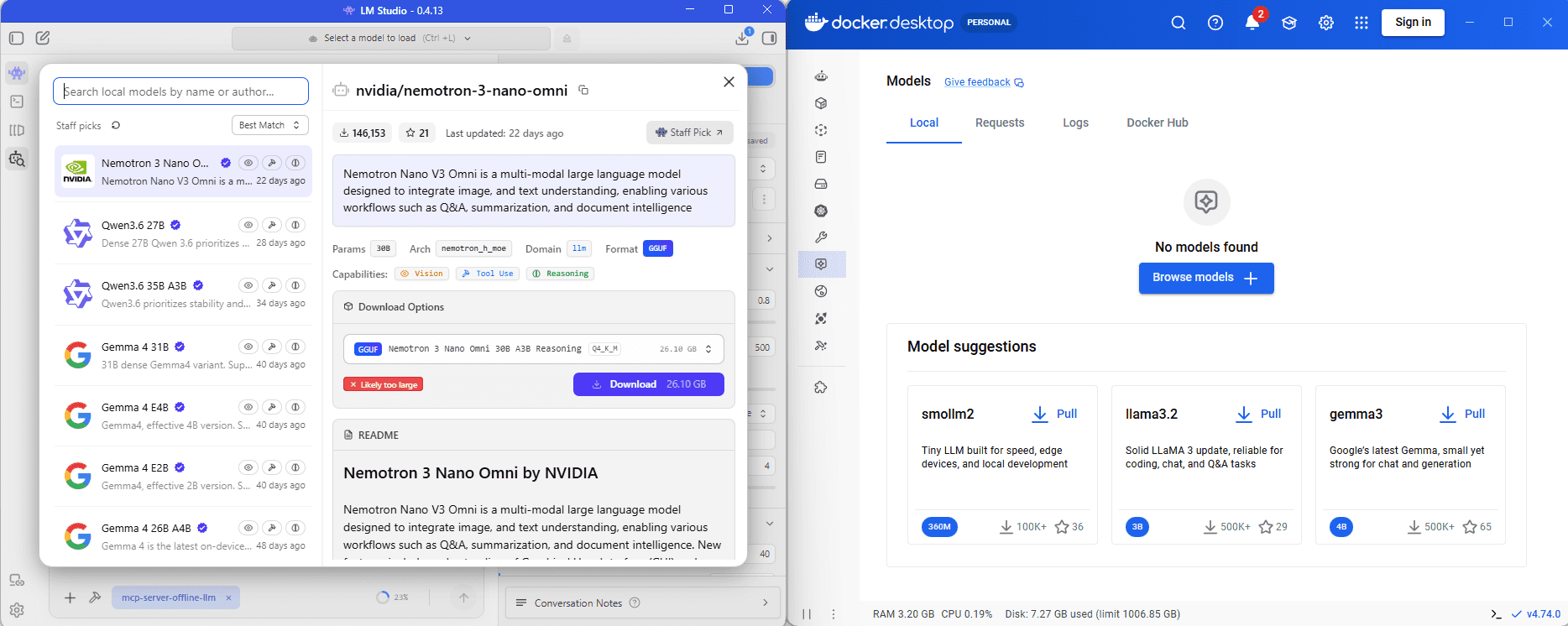
What They Have in Common
Both approaches aim to let you:
- Run an LLM locally.
- Expose an OpenAI-compatible REST API so existing code and tools can call
chat/completions(and related endpoints); that is, you can use them for prototyping. - Download models and then then reuse them across sessions.
You can switch between the two easily by simply changing the port.
LM Studio
LM Studio is a desktop application; it provides a catalogue, chat, parameters, Developer tab, optional MCP. The walkthrough (with screenshots) is in Introduction to LM Studio; here’s a brief summary.
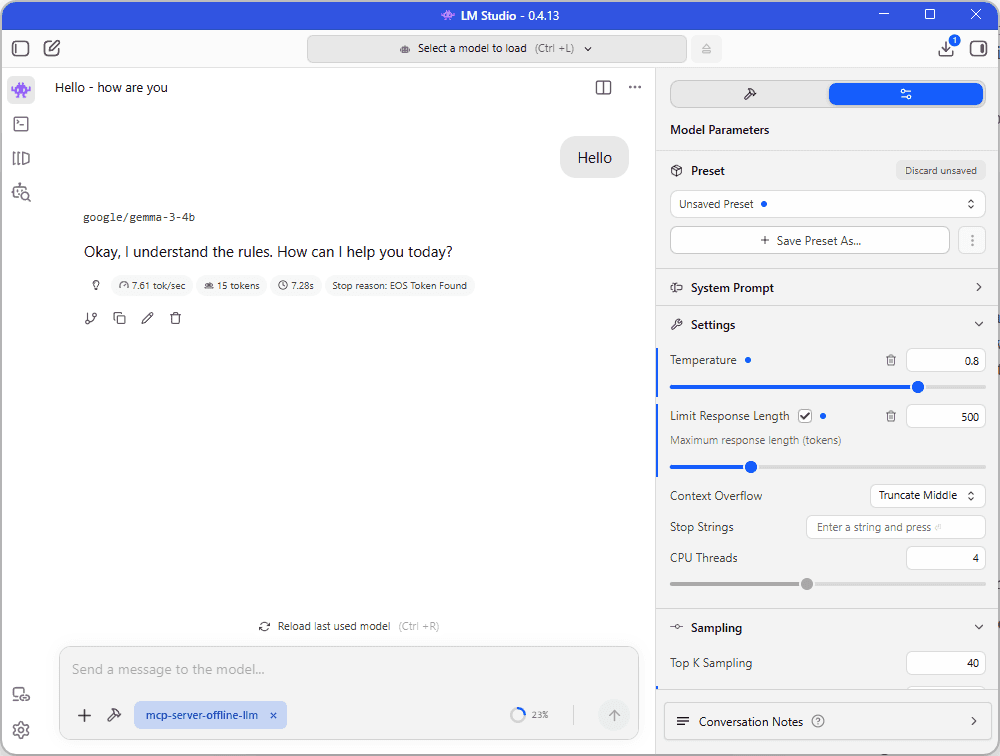
Typical workflow:
- Install LM Studio
- Download a model (e.g. Gemma, Llama, Qwen) from the built-in catalogue
- Load the model and start the server on the Developer tab (default API base:
http://localhost:1234/v1/) - Call it code or another client
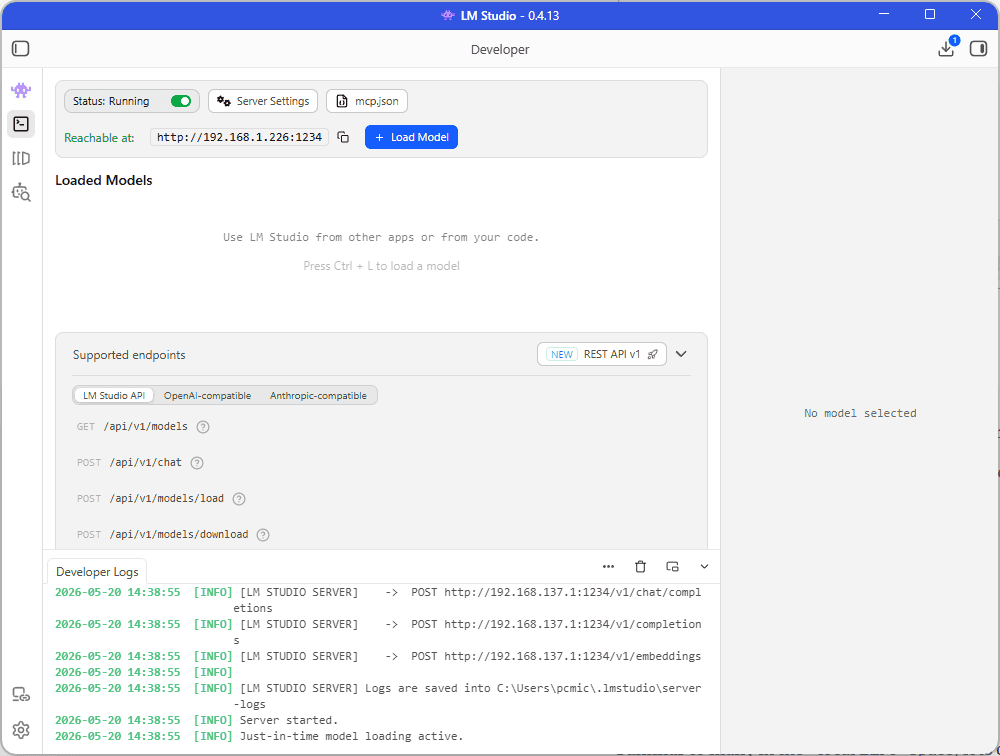
Strengths
- The UI is purpose built for exactly this
- It’s a familiar workflow / interface
- Provides MCP Integration
- You don’t need docker to run
Down-sides
- Dedicated app on the machine
- Lm Studio seems to have a separate section of Hugging Face
Docker Desktop and Model Runner
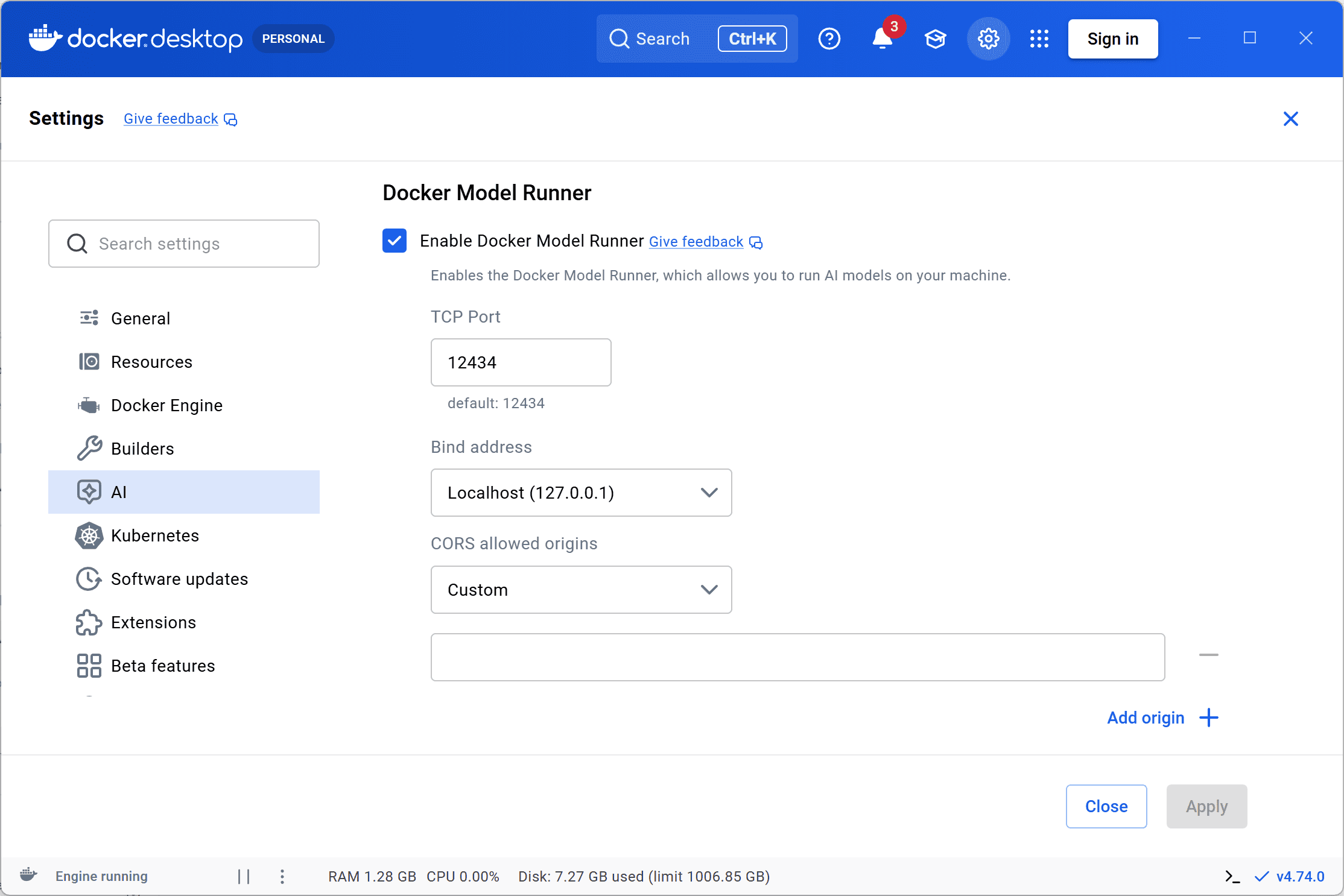
Docker Desktop now has a feature called Docker Model Runner. It’s still Beta, but adds a local LLM inference. You enable it in settings, pull models from Docker Hub (or Hugging Face), and get an OpenAI-compatible endpoint (http://localhost:12434/engines/v1) on the host (note the different port and path from LM Studio). You would be forgiven for thinking that one of these products have “taken inspiration” from the other!
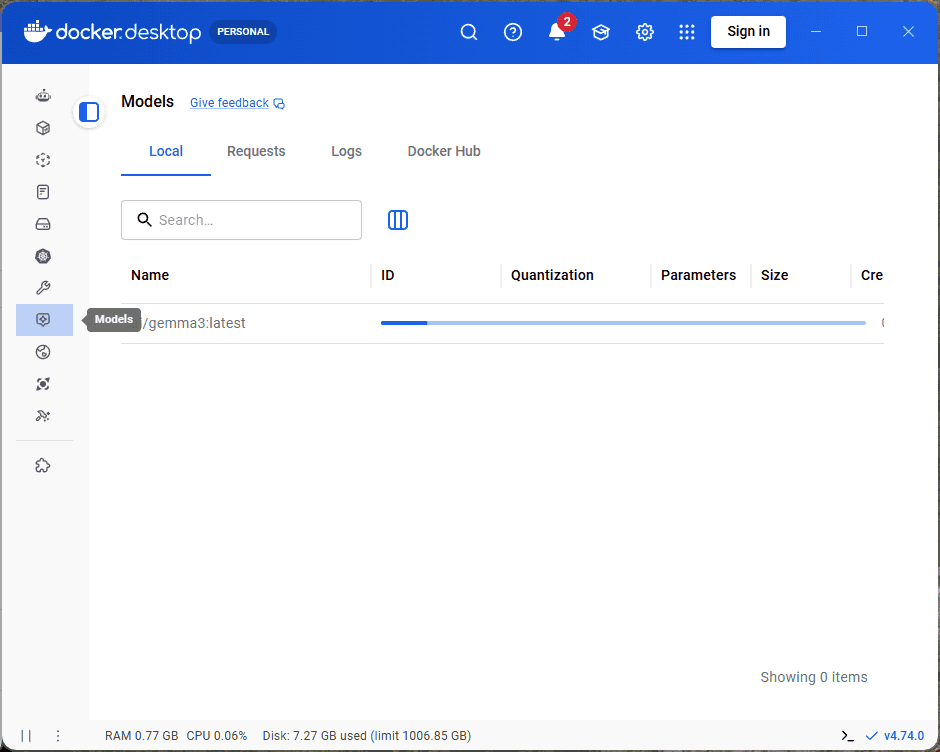
Typical workflow:
- Install or update Docker Desktop
- Enable Model Runner (Settings → AI, or see Get started with Docker Model Runner)
- Pull a model, e.g.
docker model pull(see Docker Model Runner and the API reference) - Call
http://localhost:12434/engines/v1/chat/completionsfrom your app
Strengths
- It’s one less dedicated app, if Docker Desktop is already there
- It’s the same idea as docker: pull, version, script
- Has the same OpenAI-compatible API as LM Studio
Trade-offs
- Still in Beta
- It’s a different default URL - you’ll need to update
BaseUrlin config (1234 vs 12434, and the/engines/v1path) - If you don’t already use Docker Desktop then this probably isn’t going to work for you - it’s a heavy app for just this!
- The UI is (obviously) less focused on the LLM part - since it’s first and foremost a container management app
Some Code
From .NET, Python, etc.., the pattern is the same — only the URL changes. LM Studio:
{
  "LmStudio": {
    "BaseUrl": "http://localhost:1234/v1/",
    "Model": "google/gemma-3-4b"
  }
}
Docker Model Runner:
{
  "LocalLlm": {
    "BaseUrl": "http://localhost:12434/engines/v1/",
    "Model": "your-model-id-from-docker-model-runner"
  }
}
Which Wins?
To be honest, I’m probably going to switch to Docker Desktop (if I notice any quirks then maybe I’ll go back). Since I run Docker anyway, it means I can bin LM Studio. However, if you don’t already use Docker then LM Studio is probably a little easier to use.
References
Get started with Docker Model Runner
Docker Model Runner API reference